


A simple and efficient MP3 file editor
The MP3 format will become part of music history as one of the most efficient music distribution systems, because it has allowed millions of users from all over the world to quickly increase their music collection while offering a sound quality that is similar to that of other media like the CD for example.
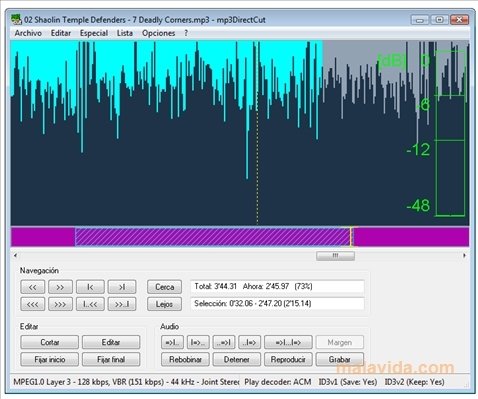
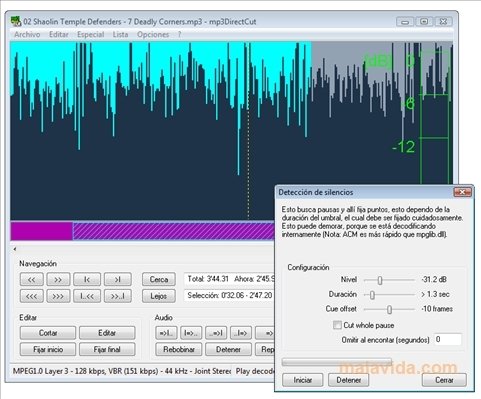
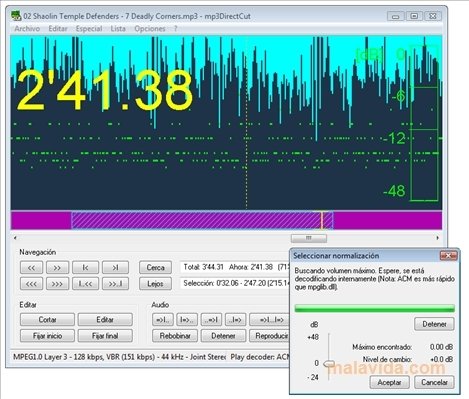
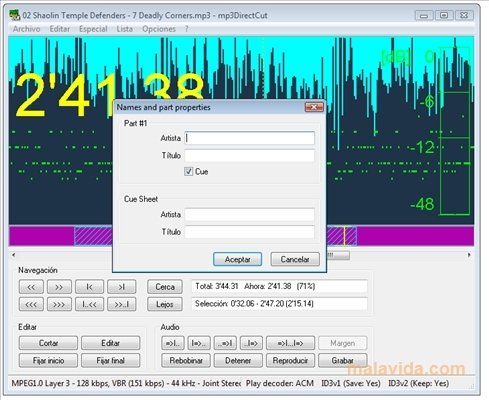
If we want to edit files with this format, it's necessary to have a traditional audio editor, or on the other hand, to use an application like mp3DirectCut, that has been developed to be able to be able to crop files, apply dynamic changes, modify the initial and final volume (fade-in and fade-out), and also to edit the ID3 tags, that show the information that is relevant to each song.
The program's interface isn't very attractive if we compare it to a normal audio editor, but it has a series of controls that are properly placed and, due to this, it should be easy to handle for any user.
If you want to crop or normalize your MP3 files with a couple of clicks, download and install mp3DirectCut.
 Héctor Hernández
As a technology journalist with over 12 years of experience in the world of software and apps, I have had the opportunity to try all kinds of devices and operating systems over the years. I have done from software or mobile applications reviews...

Antony Peel